How to Reduce No-Shows in Field Service: 7 Proven Strategies
The True Cost of Customer No-Shows
Every missed appointment costs your field service business more than just a wasted trip. When a customer no-shows, you lose:
- Direct revenue — the service call fee plus any parts and labor you would have billed
- Fuel and drive time — your technician drove to a locked door
- Opportunity cost — that time slot could have served a paying customer
- Scheduling momentum — rearranging the rest of the day’s route to fill the gap
For a typical HVAC or plumbing contractor, no-shows can represent 5-15% of scheduled appointments. At an average ticket of $250, that’s $12,500 to $37,500 lost per year for a business running 50 calls per week.
Here are seven proven strategies to cut that number dramatically.
1. Send Automated Appointment Reminders
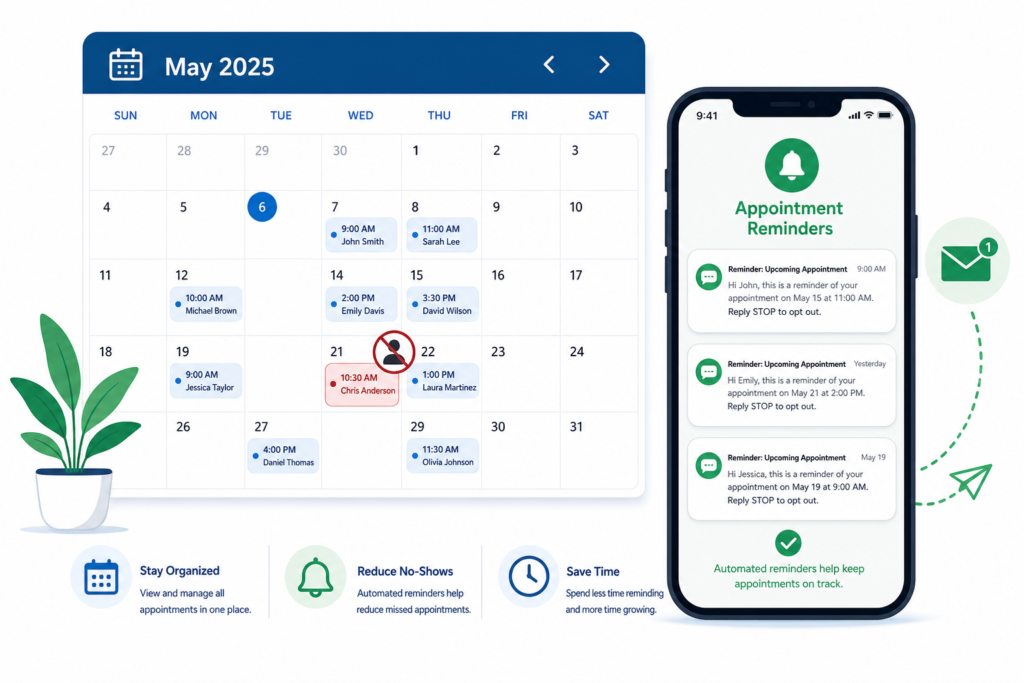
This is the single most effective tactic. Research shows that automated reminders reduce no-shows by 30-50%. The key is timing and frequency:
- First reminder: 24 hours before the appointment (email + SMS)
- Second reminder: 2 hours before arrival (SMS only)
- Third touchpoint: “Your technician is on the way” notification with live ETA
Modern field service software like TackOn FSM sends these reminders automatically — no manual effort from your office staff. Each reminder includes the appointment time, service details, and a one-tap option to confirm or reschedule.
2. Offer Easy Self-Service Rescheduling
Most no-shows aren’t malicious. The customer simply forgot, had a conflict come up, or couldn’t reach you to reschedule. Make it frictionless for them to move the appointment instead of ghosting it.
- Include a “Need to reschedule?” link in every confirmation and reminder
- Let customers pick a new time from your live availability — no phone call needed
- Set a rescheduling cutoff (e.g., 4 hours before) to give you time to fill the slot
A rescheduled appointment is infinitely better than a no-show. You keep the customer and fill a future slot.
3. Confirm Appointments with a Two-Way Response
Don’t just send reminders — require confirmation. A simple “Reply YES to confirm your appointment” via text message creates a psychological commitment that makes customers much more likely to follow through.
If a customer doesn’t confirm within your window (say, 12 hours before), flag them as at-risk and have your dispatcher call directly. You can also set up an automated follow-up: “We haven’t heard back — would you like to reschedule?”
4. Implement a Cancellation Policy
For repeat offenders, a cancellation policy protects your time. Keep it reasonable:
- First no-show: Friendly reminder about your policy
- Second no-show: Require credit card on file to book future appointments
- Third no-show: Charge a trip fee (typically $49-$79)
Be transparent — include the policy in your booking confirmation so there are no surprises. Most customers respect it once they know it exists.
5. Offer Arrival Windows Instead of Exact Times
Promising “We’ll be there at 2:00 PM sharp” sets you up for failure. Traffic, a previous job running long, or a parts delay means the customer waits, gets frustrated, and leaves.
Instead, offer realistic arrival windows (e.g., 1:00-3:00 PM) and then send a real-time “on my way” notification with GPS-based ETA when the technician actually departs. This way:
- Customers plan their day around a window, not a pinpoint time
- The “on my way” alert gives them a 15-30 minute heads-up to be ready
- You look professional and reliable instead of perpetually late
6. Optimize Your Scheduling to Minimize Wait Times
Customers who book three weeks out are more likely to no-show than those booked within 48 hours. Reduce the gap between booking and service:
- Prioritize speed: Offer next-day or same-day service when possible
- Smart routing: Use GPS-based dispatch to minimize drive time, allowing you to fit more jobs per day
- Waitlist filling: When a cancellation opens up, automatically notify waitlisted customers in that area
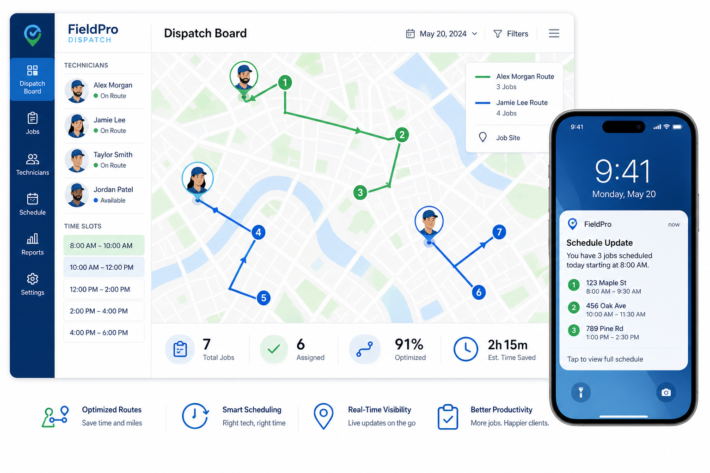
Field service software with intelligent scheduling (like TackOn FSM’s dispatch board) makes this practical even for small teams.
7. Track and Analyze Your No-Show Data
You can’t improve what you don’t measure. Start tracking:
- No-show rate by day of week (Mondays and Fridays are typically worst)
- No-show rate by service type (maintenance vs. emergency)
- No-show rate by lead source (online bookings vs. phone calls)
- Repeat offenders — flag customers with 2+ no-shows
With this data, you can adjust your overbooking strategy, add buffer appointments on high-risk days, and identify which customer segments need extra reminders.
Use TackOn FSM’s FSM Savings Calculator to estimate how much reducing no-shows would save your specific business.
The Bottom Line: Automation Beats Manual Follow-Up
The contractors with the lowest no-show rates aren’t the ones making more phone calls. They’re the ones with automated systems handling reminders, confirmations, and rescheduling 24/7.
When you multiply automatic reminders × easy rescheduling × real-time ETAs, most businesses see their no-show rate drop from 10-15% to under 3%.
Ready to Cut Your No-Show Rate?
TackOn FSM includes automated appointment reminders, GPS-based ETAs, and self-service customer communication — all included in every plan. See how it works for your business.