

Scheduling and Dispatching Software That Works
If you're running a field service business, you know the daily chaos of coordinating jobs. Scheduling and dispatching software is what brings order to that chaos. It's the central hub that replaces the old-school whiteboard, messy spreadsheets, and endless back-and-forth phone calls with a single, intelligent system.
This software essentially automates job assignments, tracks your crew in the field, and handles all customer communication from one place.
What Is Scheduling and Dispatching Software
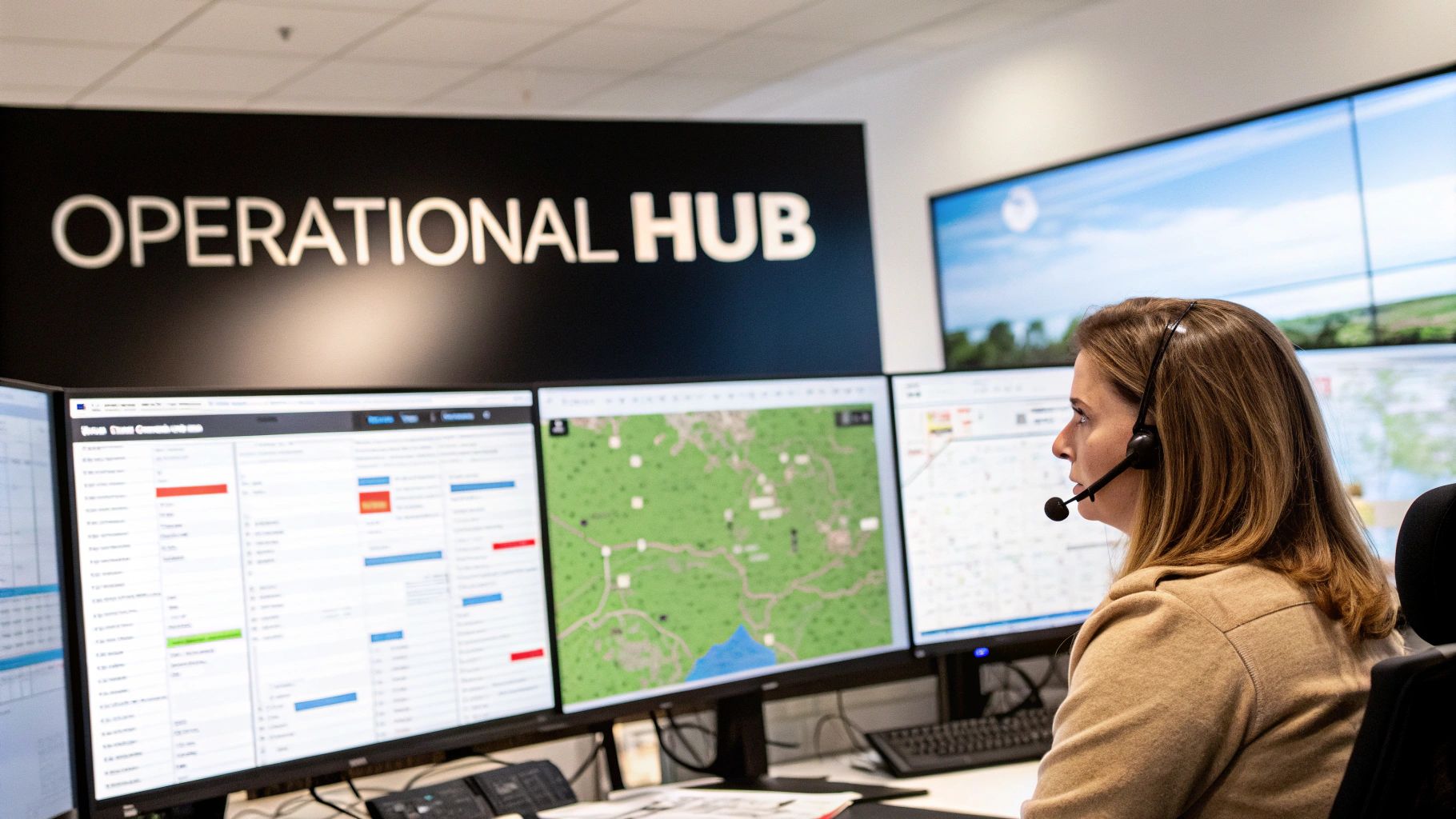
The best way to think about it is like air traffic control for your entire service operation. An airport can't manage dozens of planes with sticky notes and guesswork; controllers need a dynamic system for total visibility. That's exactly what scheduling and dispatching software does for your business—it gives you a complete, real-time view of your technicians, open jobs, and equipment.
From the moment a customer call comes in, the whole process is simplified. Your dispatcher can instantly see who is the closest tech, who has the right skills for the job, and who is actually available. Instead of juggling phone calls, they can assign the work with a single click, and all the job details are sent straight to the technician's phone or tablet.
Putting an End to Operational Guesswork
Let's be honest, manual methods are a recipe for mistakes. A misplaced sticky note, an unread text message, or a bad entry in a spreadsheet can easily lead to a missed appointment. That costs you money and, just as importantly, damages your reputation.
Modern dispatch software gets rid of the guesswork. It creates a single source of truth that everyone on your team—from the office to the field—can rely on.
This is a stark contrast to how things used to be done. Let's break down the differences.
Manual vs Automated Dispatching At a Glance
| Process | Manual Method (Whiteboard/Spreadsheet) | Scheduling Software (Automated) |
|---|---|---|
| Job Intake | Phone calls, scribbled notes, manual data entry. | Digital forms capture customer data automatically. |
| Technician Assignment | Guesswork based on memory, multiple phone calls. | Smart suggestions based on location, skills, and availability. |
| Communication | Constant phone tag with techs and customers. | Automated job alerts, reminders, and "on-the-way" texts. |
| Job Updates | Office is blind until the tech calls in or returns. | Real-time status updates from the field via mobile app. |
| Data Visibility | Information is siloed and often out of date. | Centralized dashboard with a live view of all operations. |
The move from a manual system to an automated one is less of an upgrade and more of a complete operational shift.
It's clear that relying on a whiteboard just can't keep up. The right software handles critical functions that drive efficiency:
- Intelligent Scheduling: The system can automatically assign jobs based on technician availability, GPS location, and specific skill sets. No more sending a junior tech to a complex commercial job by accident.
- Real-Time Dispatching: Job updates, customer notes, and important site history are pushed directly to a technician’s mobile device. They walk onto the job site fully prepared.
- Automated Communication: You can set up automatic appointment reminders and "technician en route" notifications for customers, which dramatically reduces no-shows and improves the customer experience.
For any business in the trades—whether you're in HVAC, plumbing, or electrical—this kind of system becomes the backbone of your operations. It’s all about getting the right person to the right job at the right time with all the correct information. It turns a chaotic, reactive day into a smooth, predictable, and far more profitable process.
Ultimately, this is about more than just convenience. It's about building a foundation for growth. This software moves your business from simply reacting to calls to proactively managing your resources, keeping customers happy, and fitting more paying jobs into every single day.
Core Features That Drive Your Operations
Good scheduling and dispatching software isn't just a digital calendar. Think of it more as the central nervous system of your entire operation, where every feature connects to and strengthens the next. The goal isn't just to get organized; it's to build a powerful engine that drives efficiency, sharpens communication, and gets you paid faster. These tools work in concert to turn daily chaos into a smooth, profitable rhythm.
This is exactly why the field service management (FSM) market, currently valued at USD 2.87 billion, is expected to explode to USD 8 billion in the next decade. Businesses are hungry for automation and better mobile tools. You can dig into more of the data behind this growth over at wiseguyreports.com.
The Visual Dispatch Board: Your Command Center
At the heart of any modern dispatch system is the visual dispatch board. If you’re still using a whiteboard and markers, this is its replacement on steroids. It’s a live, drag-and-drop map of your entire day, showing you exactly where every tech is, what they’re working on, and what’s next on their schedule.
This complete visibility means your dispatcher can make smarter calls in seconds. When that emergency call comes in, there’s no more guessing or ringing around to see who's free. A quick glance at the board shows who is closest and available, eliminating the frantic phone tag and ensuring the right person gets sent to the right job.
Mobile Access: Putting Power in Your Techs’ Hands
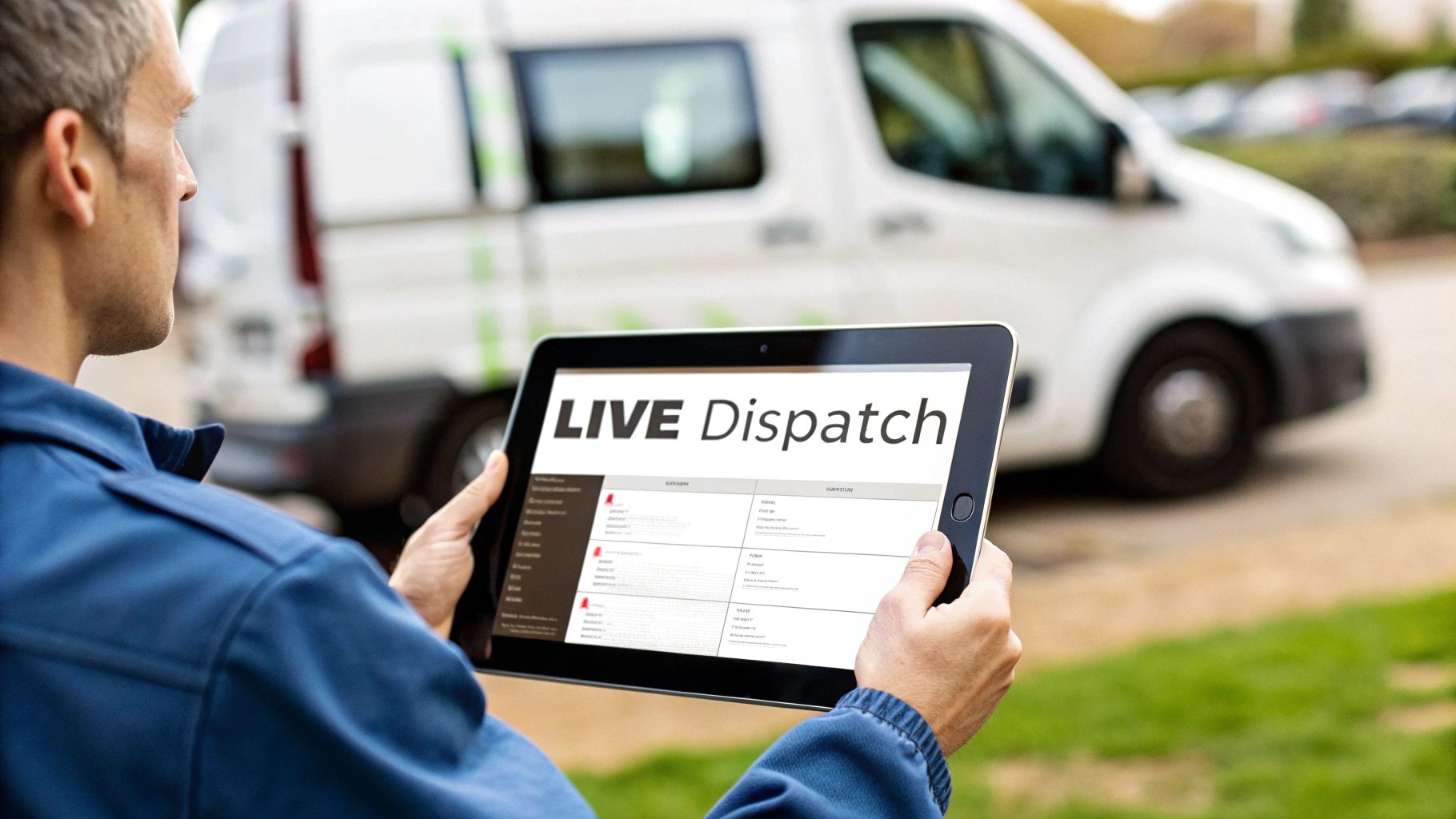
The real magic happens when the dispatch board’s power extends into the field through a mobile app. This is where your technicians get everything they need to do their job right, all on their phone or tablet. They have access to critical information without ever having to call the office.
This mobile connection gives them:
- Complete Job Histories: They can pull up past work orders, notes, and photos for a customer, giving them crucial context before they even ring the doorbell.
- Digital Checklists: You can standardize quality across the board with custom checklists for maintenance, installations, or safety protocols.
- Live Parts Info: Techs see what’s on their truck and what’s back at the shop, preventing wasted trips for a part they thought they had.
A technician who shows up fully informed is one who can solve problems faster and give the customer a much better experience. The mobile app essentially turns their van into a roving office.
Automated Communication: The End of "Where's My Tech?"
Great service isn’t just about the work you do; it’s about how you communicate. Top-tier software automates this piece of the puzzle, keeping your customers in the loop and happy. It puts a stop to those constant "Where is my technician?" calls that clog up your phone lines.
These systems can automatically fire off:
- Appointment confirmations via text and email.
- Reminders the day before the job.
- "On my way!" alerts, often with a live map so the customer can track their tech’s arrival.
This kind of proactive communication doesn't just build trust—it dramatically cuts down on no-shows.
From Estimate to Invoice in a Single Workflow
Finally, the best platforms close the financial loop. A technician can build a professional estimate on their tablet using your pre-loaded pricebook, get a digital signature from the customer right then and there, and instantly flip that approved estimate into a work order.
Once the job’s done, that work order becomes an invoice with a single tap. Your tech can take a credit card payment on the spot or email a secure payment link. This tight integration between what happens in the field and what happens in accounting is what really sets modern platforms apart, shrinking the gap between a finished job and cash in the bank.
How This Software Transforms Your Business
Investing in scheduling and dispatching software isn't just about getting a fancier calendar. It’s about fundamentally changing how your business operates and makes money. The features we’ve covered are the engine for real, bottom-line results. They help you shift from a reactive mode—constantly putting out fires—to a proactive one where you’re in complete control of the day.
This isn't a small change. It’s the difference between just surviving the daily grind and building a scalable, profitable, and resilient company. Let's dig into exactly how this happens across four critical areas of your business.
Boost Efficiency and Complete More Jobs
The first thing you’ll notice is a huge leap in efficiency. Think about all the time and fuel wasted when technicians zigzag across town because of disjointed scheduling. Route optimization tools put an end to that by instantly calculating the smartest travel paths for your entire team.
This one feature alone has a direct impact:
- Lower fuel costs: Less time driving means less money spent at the gas station. It’s that simple.
- Reduced drive time: Your techs spend more of their day on billable work instead of staring at a windshield.
- Increased job completion: By cutting out wasted travel, you can often slot in at least one more job per tech, per day.
This isn't just a tiny tweak. It's a direct way to increase daily revenue without having to hire more people or buy more trucks. A smarter schedule unlocks the hidden earning potential of the team you already have.
Protect Your Hard-Earned Profit Margins
Profit margins in the trades are razor-thin and can be wiped out by small, overlooked costs. Inefficiencies are notorious for causing project delays and budget overruns. Good software acts like a guardrail, protecting your profits from these common leaks.
For instance, accurate job costing becomes part of your natural workflow. When a technician tracks their time on a mobile app and logs the specific parts pulled from inventory for a job, you get a completely transparent view of what every single job actually costs. No more forgetting to bill for a part or underestimating labor hours that slowly eat away at your bottom line.
This level of accuracy is a game-changer. It ensures your estimates are always profitable and every invoice captures the full value of your work, turning financial guesswork into predictable income.
Get Paid Faster and Improve Cash Flow
The final piece of the puzzle is getting paid. The old "invoice-and-wait" game can put a serious strain on any business's cash flow. By building invoicing and payments right into the field workflow, you shrink the gap between finishing a job and having money in the bank from weeks or even months down to just a few minutes.
When your technician can generate a final invoice on-site and take a credit card payment right then and there, the job is truly done. This simple step drastically improves your financial health, giving you the working capital you need to cover payroll, buy materials, and grow. It closes the loop, turning a completed job into cash in your account almost instantly.
How to Choose the Right Software
Picking the right scheduling and dispatching software is a huge decision, one that's going to stick with your business for a long time. This isn't just about buying a new tool; it's about bringing on a new operational partner. The real trick is to look past the slick sales demos and find a system that actually solves your day-to-day problems and can keep up as you grow.
Let’s be honest, picking the wrong one is a nightmare. It means wasted money, a team that’s constantly annoyed, and a system that causes more headaches than it cures. You can avoid all that by going in with a smart evaluation plan that’s built around what your business needs, not just some generic checklist of features.
Start with Your Pains and Your Goals
Before you even think about watching a demo, take a hard look at your own operations. What are the biggest things slowing you down right now? Get your whole team in on this—your dispatchers, your techs, your office staff—because they’re the ones living with these problems every day.
You need to figure out what really matters. Your list of must-haves might look something like this:
- Can it grow with me? You need a platform that works just as well when you have fifteen trucks as it does with five. Will it scale up without the price tag exploding or forcing you into a complicated new setup?
- Does it get my trade? There’s a world of difference between a multi-day HVAC installation and a frantic emergency plumbing call. Generic, one-size-fits-all software just can’t handle the specific ways tradespeople need to work.
- Is it actually easy to use? Think about your least tech-savvy technician. Can they use the mobile app on a hot roof with the sun in their eyes? If the team won't use it, the software is worthless.
Nailing down these points puts you in the driver’s seat. You’ll go from being a passive buyer to an informed evaluator who knows exactly what to look for and which tough questions to ask.
Make the Most of the Software Demo
A software demo is your time to kick the tires. Don't just sit back and let the salesperson show you a polished presentation that only shows off the shiny features. You need to come armed with your own real-world scenarios—the messy, complicated jobs that happen every week.
Make them show you how the software handles your reality. For example:
- "A tech just called in sick. Show me how you'd reschedule his three jobs for today."
- "My plumber is on-site and needs to add a part to the invoice that isn't in our standard pricebook. Walk me through that, step-by-step."
- "Show me how your system manages a recurring quarterly maintenance contract for one of our big commercial clients."
The right software shouldn't just look good on a screen; it should feel like it was built with your business in mind. A great demo proves it can handle your daily chaos without breaking a sweat.
Finally, don't forget about support and setup. A smooth rollout is absolutely crucial for getting your team to buy in. Ask them about migrating your customer data, what kind of training they offer, and who you call when something inevitably goes wrong. A true partner, like TackonFSM, understands that implementation is a strategic move forward, not just a technical chore. Making the right choice means bringing in a system that quickly becomes one of your most valuable assets.
See the Software in Action with Real Workflows
Talking about features is one thing, but seeing how scheduling and dispatching software actually works on a chaotic Tuesday morning is what really matters. Let’s walk through three day-in-the-life scenarios to see how this kind of system helps HVAC, plumbing, and electrical contractors turn messy situations into smooth, profitable jobs.
Think of these workflows as the operational playbook for your team. A centralized platform doesn't just organize tasks; it guides your crew through every step, whether it's a complex project, a sudden emergency, or a routine service call.
The HVAC Commercial Installation
Imagine your HVAC company just landed a big contract: installing two new rooftop units on a commercial building. This isn't a quick fix. It’s a multi-day project needing a lead installer, an apprentice, and a crane operator, all coordinated perfectly over three days.
With the right software, your dispatcher creates a single "parent" job for the whole project. From there, they link three separate "child" jobs:
- Day 1: The lead tech and apprentice are assigned for all the prep work.
- Day 2: The same crew is scheduled, but this time a block is added for the crane delivery and lift.
- Day 3: The crew is booked again for the final system testing and commissioning.
The system even automates the billing. It can generate an invoice for the initial equipment deposit and then a final invoice once the job is complete. Every note, photo, and signed document from all three days is neatly filed under the main project, creating a clean, complete history for the office. No more hunting for scattered paperwork.
The Emergency Plumbing Leak
A homeowner calls in a panic—a pipe has burst and their basement is flooding. Every second counts. Your dispatcher immediately pulls up the visual dispatch board, which displays a live map of every technician's current location.
They filter for plumbers with "leak detection" skills, and the system instantly highlights the closest one, who’s just finishing up a job only two miles away. A quick check of the integrated inventory shows his van is already stocked with the PEX piping and fittings he'll need.
The job is sent straight to the plumber's mobile app with the address, customer details, and urgent notes. At the same time, the homeowner gets an automatic text with the tech's name, photo, and ETA. Just like that, a stressful emergency is handled with professionalism and transparency.
This is the kind of rapid coordination you simply can't achieve with a whiteboard or a clunky spreadsheet. The power to match location, skills, and on-van inventory in seconds is what turns a five-alarm fire into a controlled, profitable job.
The Electrical Inspection and Upsell
An electrician is on-site for a routine panel inspection. Using her tablet, she opens the job in the app and follows a required digital checklist, making sure every safety point is covered and documented with photos.
During the inspection, she finds several outlets that aren't up to code. Instead of having to call the office or schedule a follow-up, she builds a professional quote for the extra work right there on her tablet, pulling items and pricing directly from the company's digital pricebook.
The simple three-step process for choosing the right software—asking the right questions, seeing a demo, and making a choice—is what makes these workflows possible.
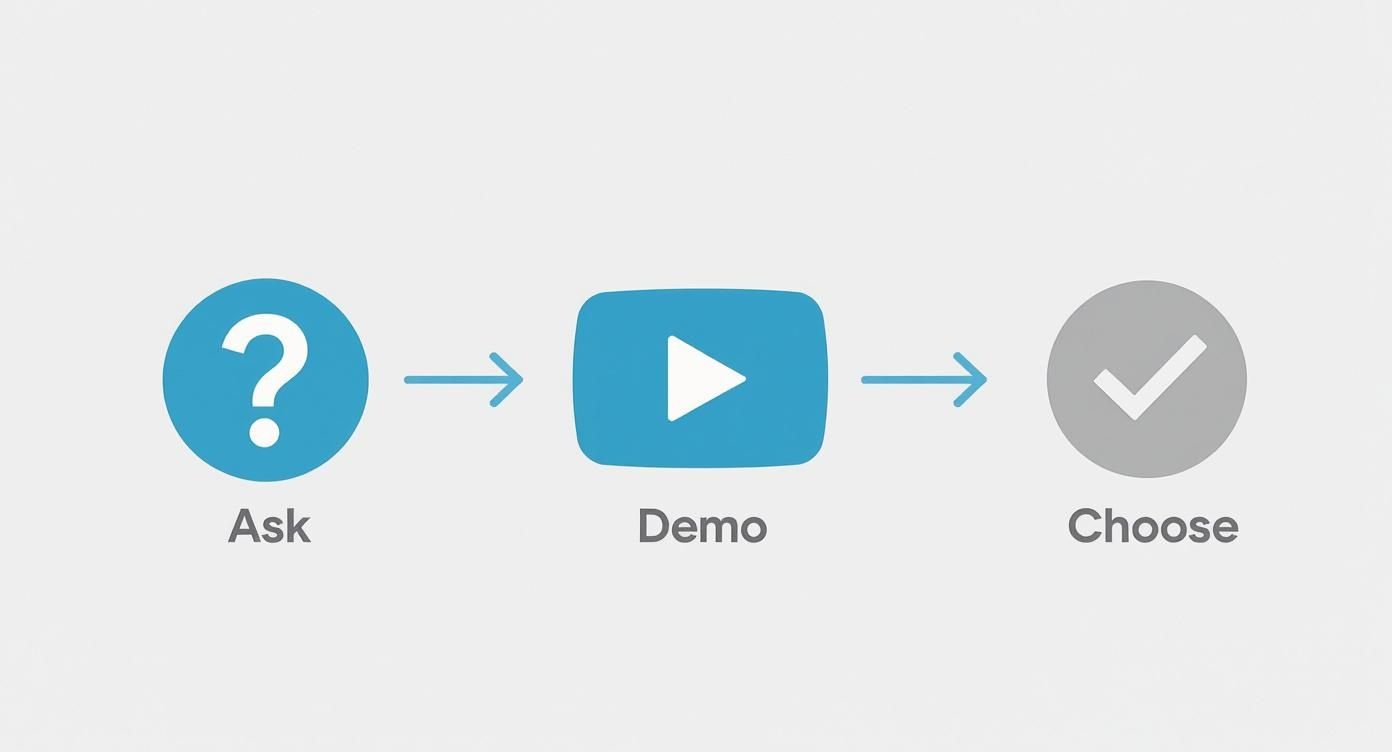
This evaluation ensures the system you pick can handle these real-world challenges. Back on the job, the electrician shows the quote to the homeowner, who signs off digitally. With a single tap, the quote converts into a work order. She finishes the repairs, collects payment, and closes out the job—all in one visit.
How to Measure Your Success After Implementation
Putting new scheduling and dispatching software in place is a big move, but the real victory is seeing the proof in the numbers. It’s not enough to just feel more organized; you need to see how it’s actually impacting your business where it counts—your bottom line. Tracking the right Key Performance Indicators (KPIs) is what turns this new tool from a simple expense into a powerful engine for growth.
Think of it like this: you wouldn't install a brand-new, high-efficiency furnace for a customer and not show them the drop in their energy bills. Your software is no different. You need to prove its return on investment with real, tangible improvements. This data-backed approach helps you justify the cost, pinpoint where you can get even better, and make smarter decisions for the future.
Key Metrics to Track
To get a clear picture of how your new system is performing, you’ll want to zero in on a handful of crucial KPIs that give you a direct pulse on your operational health. These are the vital signs of your field service business, and modern FSM platforms like TackonFSM are designed to track and report on them automatically.
Here are the essential indicators to start with:
- First-Time Fix Rate (FTFR): What percentage of jobs are wrapped up completely on the very first visit? A high FTFR is a great sign that your techs are showing up with the right parts, tools, and information—a direct win from better dispatching and inventory management.
- Technician Utilization Rate: This is all about efficiency. It tells you how much of your techs' paid time is spent on actual billable work versus driving, sitting in traffic, or waiting for parts. Good route optimization and smarter scheduling should make this number climb.
- Average Time to Completion: How long does it really take to go from a customer's first call to a paid invoice? Software that connects scheduling, invoicing, and payments can slash this cycle time, which is fantastic for your cash flow.
This sharp focus on real-time data and mobile tools is fueling huge growth in related fields. Just look at the bus dispatch management systems software market—it was valued at USD 2.7 billion and is expected to hit USD 5.8 billion within the next decade. You can find more details about this booming demand for operational efficiency in this market outlook report.
Tracking these KPIs isn't just about running reports for the sake of it. It’s about building a culture of constant improvement, where every decision is backed by solid data, making your business not just run smoother, but become more profitable.
Got Questions? We've Got Answers
Making the jump to a proper scheduling and dispatching platform naturally brings up a few questions. Let's tackle some of the most common ones we hear from business owners just like you.
How Long Does This Actually Take to Set Up?
This is a big one, and the answer is usually "faster than you think." With modern, cloud-based software, you're not looking at a months-long project. Most businesses are up and running in a matter of days, or a couple of weeks for more complex setups.
The process usually involves bringing your customer list over, tweaking a few settings to match how you like to work, and then training your team. A good partner will walk you through every step, making sure your team feels comfortable and ready to hit the ground running.
Will My Techs Actually Use the Mobile App?
Absolutely. The best field service apps are designed with technicians, not computer scientists, in mind. Think simple, clean layouts and big, easy-to-tap buttons.
All the critical stuff—seeing job notes, updating a work order, taking a photo of the repair, and getting a signature—is just a couple of taps away. Most techs pick it up in no time and quickly wonder how they ever managed without having all that info right in their pocket.
The whole point of a mobile app is to make a technician's life easier, not more complicated. When the tool is genuinely helpful, your team will adopt it in a heartbeat.
Does This Software Play Nice with My Accounting Program?
Yes, and this is a game-changer. Any top-tier platform will connect directly with popular accounting software like QuickBooks and Xero.
This isn't just a minor convenience; it's a massive time-saver. When a job is done, the invoice can automatically sync over to your books, eliminating the need for someone in the office to type it all in again. It keeps your financials perfectly accurate and frees up your admin staff for more important work.
Ready to see how an all-in-one platform can pull all of this together for your business? See how TackonFSM makes scheduling, dispatching, and invoicing feel effortless for trade professionals. Explore TackonFSM today.


