12 Best HVAC Invoice Template Free Downloads for 2025 (Word, Excel, PDF)
Chasing payments and wrestling with disorganized invoices can slow down even the most skilled HVAC business. A professional, clear invoice not only ensures you get paid on time but also reflects the quality of your work. While specialized software offers a long-term solution, sometimes you just need a reliable, free template to manage your current job and keep cash flowing. This guide cuts through the clutter to bring you the best sources for a professional hvac invoice template free to download and use immediately.
We've curated a list of the top 12 platforms offering customizable templates in Word, Excel, and PDF formats. For each resource, you'll find a clear screenshot, a direct download link, and a concise analysis of its strengths and limitations. We’ll show you exactly what information you must include-from labor costs and parts to tax details and payment terms-to protect your business and create a legally sound document. Whether you're a new operator or an established business looking to streamline your billing process without immediate cost, this list will help you find the perfect template to get paid faster and project a more professional image to your clients.
1. ServiceTitan
ServiceTitan, a major player in field service management (FSM) software, offers a robust and professional free HVAC invoice template solution. It stands out by providing both a downloadable, printable PDF and a browser-based invoice generator. This dual offering caters to HVAC contractors who may need a quick printout for a job or prefer creating a digital invoice directly from a tablet or phone in the field.
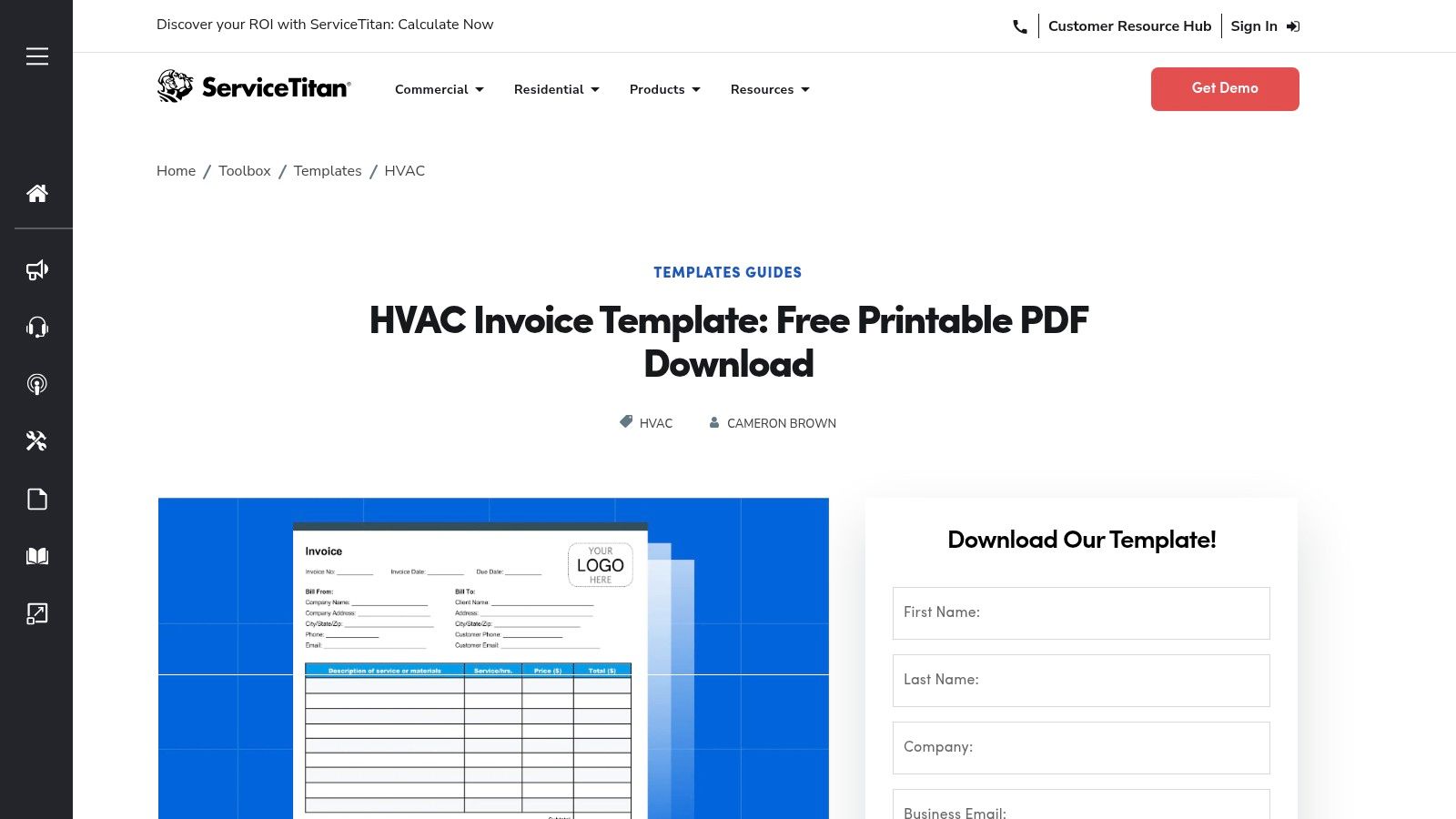
The web generator is particularly useful as it requires no software installation and is mobile-friendly, allowing you to add a logo, input line items, calculate taxes, and even capture customer signatures on-site. This immediate professionalism helps build client trust and speeds up the payment process. While the tool is completely free, it serves as a gateway to their comprehensive paid FSM platform, making it an excellent starting point for businesses planning to scale.
Key Features and Assessment
| Feature | Details | Assessment |
|---|---|---|
| Formats Available | Printable PDF, Web-based Generator | Excellent flexibility for both office and field use. |
| Customization | Add company logo, line items, tax, and notes. | Good for basic branding and job-specific details. |
| Unique Offering | Mobile-friendly web generator with signature capture. | A significant advantage over static templates. |
| Ease of Use | The interface is intuitive and requires no technical skill. | Quick to learn and use, even for non-tech-savvy users. |
| Cost & Access | 100% free; no account required for the generator or PDF. | No barriers to entry, making it highly accessible. |
Pros:
- Professional, HVAC-specific layout.
- No software download is needed for the web tool.
- Provides a clear upgrade path to a full FSM system.
Cons:
- The web generator requires an internet connection.
- Advanced features are locked behind the paid platform.
Website: ServiceTitan HVAC Invoicing Templates
2. Jobber
Jobber, a well-known name in job management software for home services, provides an efficient and straightforward free HVAC invoice template generator. Designed for speed, this tool allows HVAC professionals to quickly create polished, PDF-ready invoices directly from their browser. It stands out by offering helpful HVAC-specific tips and examples within the generator itself, guiding users on what information to include for common jobs like repairs or installations.
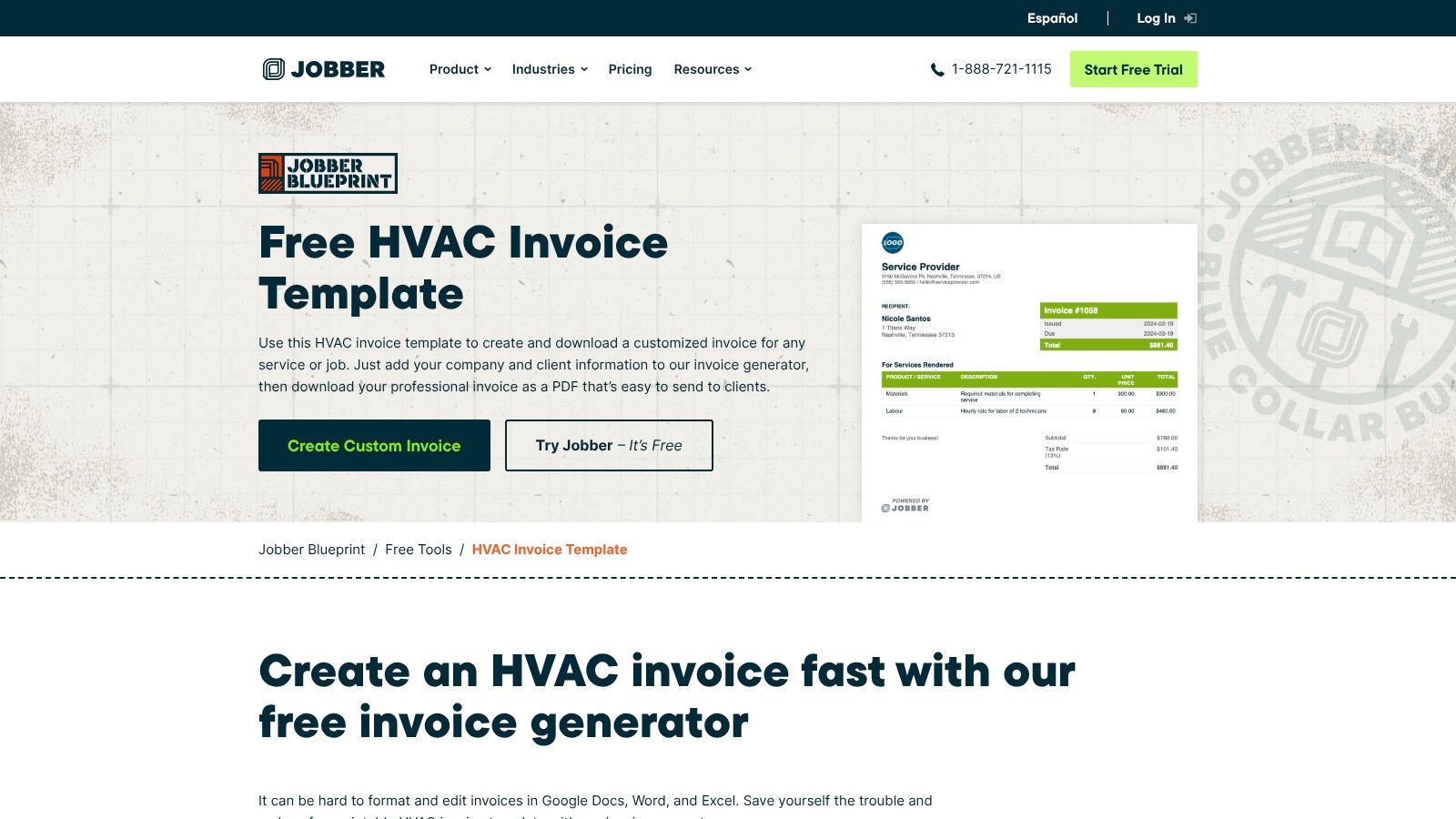
The guided invoice builder is simple, letting you input company details, client info, and itemized services before instantly generating a professional PDF to download or send. No login is required for one-off invoices, making it a frictionless option for technicians needing an invoice on the fly. While the generator is free, it serves as an excellent introduction to Jobber’s comprehensive paid platform, which adds powerful features like payment processing and automated client follow-ups.
Key Features and Assessment
| Feature | Details | Assessment |
|---|---|---|
| Formats Available | Web-based Generator (creates instant PDF) | Excellent for fast, in-field invoice creation on any device. |
| Customization | Add company/client info, line items, and notes. | Good for fundamental needs, but lacks advanced branding options. |
| Unique Offering | HVAC-specific tips and examples embedded in the tool. | Very helpful for new business owners or complex job descriptions. |
| Ease of Use | The guided interface is clean, fast, and self-explanatory. | Top-tier; one of the quickest ways to generate a professional invoice. |
| Cost & Access | 100% free; no signup is needed for the generator tool. | Highly accessible with no barriers for creating single invoices. |
Pros:
- Fast, clean output without any design work required.
- Trusted reputation among home-service professionals.
- Works quickly without signup for single invoices.
Cons:
- Automation and payment processing are part of Jobber’s paid plan.
- Limited variety of visual template styles.
Website: Jobber Free HVAC Invoice Template
3. Housecall Pro
Housecall Pro, another prominent field service management platform, provides a valuable resource with its collection of free HVAC invoice templates. Their strength lies in versatility, offering downloadable files in multiple formats, including Microsoft Word, Excel, Google Sheets, and even a QuickBooks-ready version. This approach is ideal for businesses that rely on standard office software and want a template that integrates seamlessly into their existing administrative workflow.
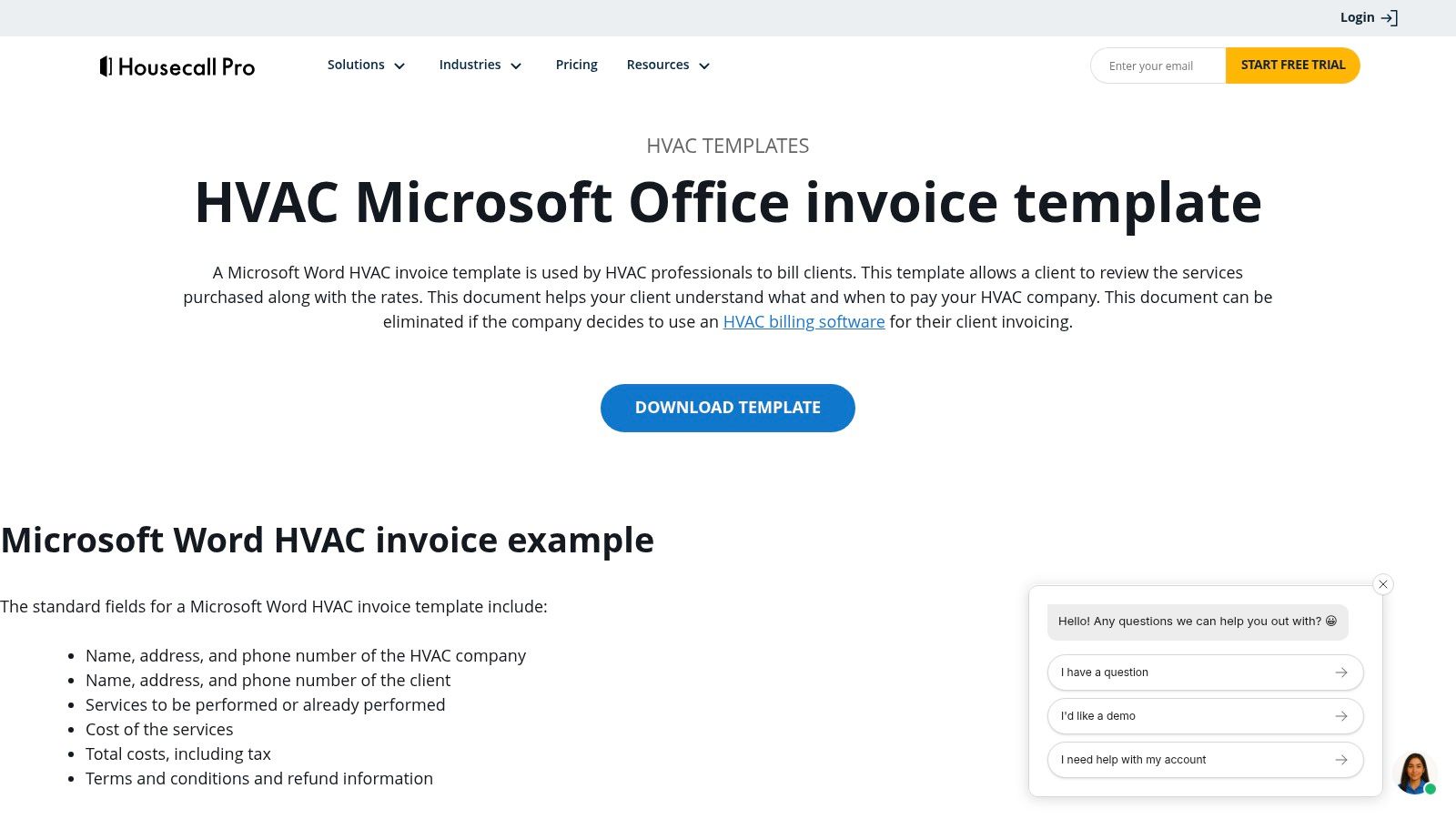
The templates are designed with clear, print-ready layouts suitable for both office-based billing and on-site presentation. They include all the necessary fields for a professional HVAC invoice and are easy to customize with a company logo and brand colors. While accessing the downloads requires filling out a short form, the variety of formats makes Housecall Pro a practical choice for contractors who need flexible, no-cost invoicing solutions before committing to a full software suite.
Key Features and Assessment
| Feature | Details | Assessment |
|---|---|---|
| Formats Available | Microsoft Word, Excel/Google Sheets, QuickBooks-ready | Excellent variety, catering to established office workflows. |
| Customization | Easily add logos and company details in familiar software. | Straightforward for anyone comfortable with Word or Excel. |
| Unique Offering | Provides a QuickBooks-compatible template. | A key benefit for businesses using QuickBooks for accounting. |
| Ease of Use | Simple download and edit process using standard software. | Very high, assuming basic proficiency in Microsoft Office or Google Suite. |
| Cost & Access | 100% free; requires email submission to download. | Minor access barrier, but the templates themselves are free. |
Pros:
- Supports multiple office-suite formats.
- Easy to customize and add branding.
- Practical for teams moving between the field and the office.
Cons:
- Downloads are gated behind a contact information form.
- Lacks the on-the-fly digital features of a web generator.
Website: Housecall Pro HVAC Invoice Templates
4. FreshBooks
FreshBooks, a leader in cloud-based accounting software, provides a high-quality free HVAC invoice template designed with financial best practices in mind. It offers impressive format flexibility, with downloadable templates available for Word, Excel, Google Docs, Google Sheets, and PDF. This variety ensures that HVAC professionals can choose the format that best fits their existing workflow, whether they prefer spreadsheet-based calculations or a simple, printable document.
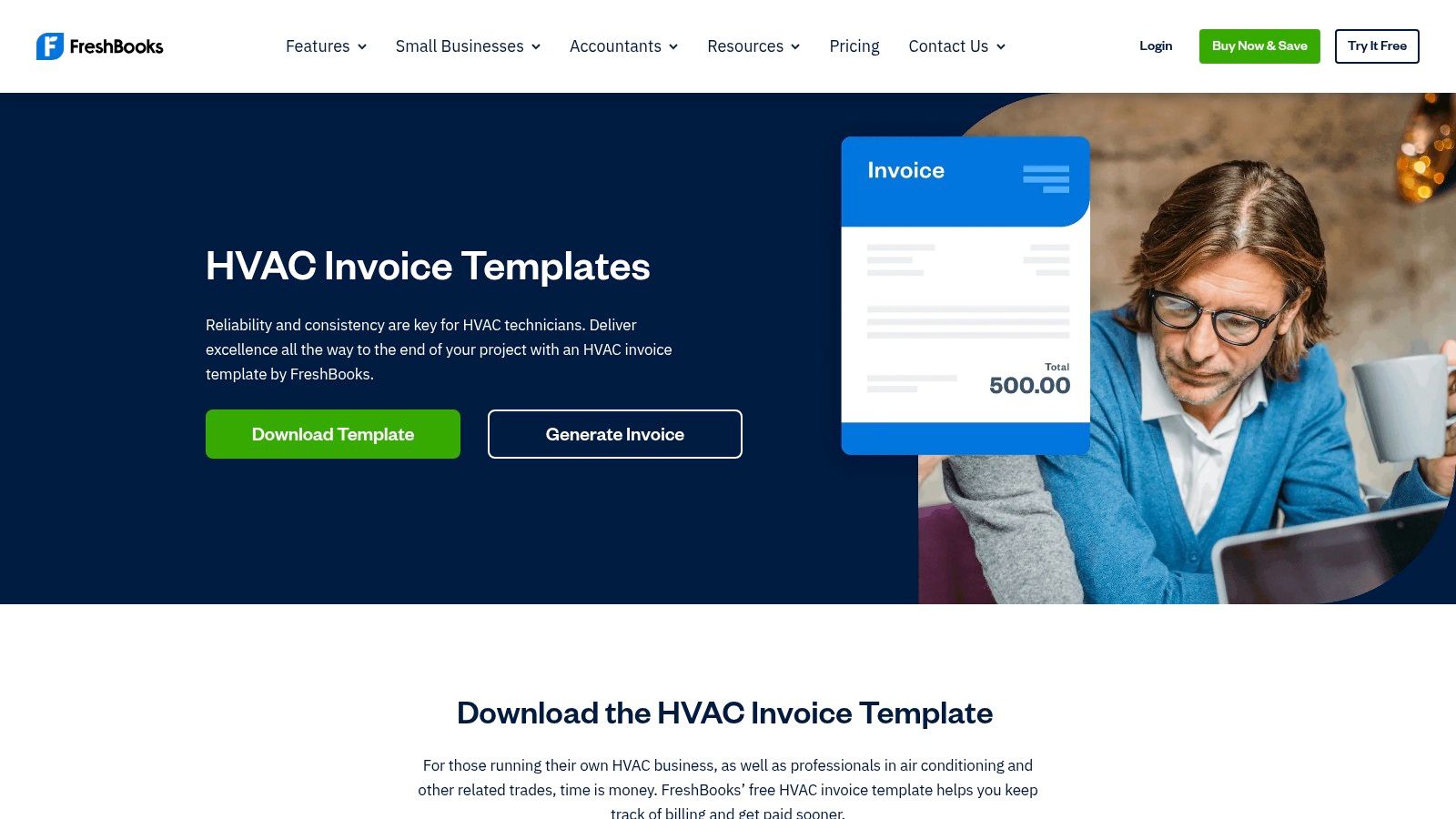
Beyond the static files, FreshBooks also features a free online invoice generator that guides users through creating a professional invoice without any software. The platform stands out by providing clear, practical guidance on HVAC billing, including tips for differentiating between residential and commercial invoicing. While the free tools are excellent, they are designed to offer a seamless transition to FreshBooks' paid accounting and invoicing platform for businesses ready to automate and grow.
Key Features and Assessment
| Feature | Details | Assessment |
|---|---|---|
| Formats Available | Word, Excel, PDF, Google Docs/Sheets, Web Generator | Outstanding. The wide range of formats covers nearly every user preference. |
| Customization | Add company logo, custom line items, tax rates, and notes. | Strong customization options for a professional and branded look. |
| Unique Offering | Provides guidance on HVAC billing best practices and offers Google Workspace formats. | The educational aspect and Google integration are valuable differentiators. |
| Ease of Use | The web generator is straightforward, and the templates are easy to edit. | Highly accessible for all skill levels. |
| Cost & Access | 100% free; no account is required for template downloads or the generator. | No barriers to use, though an account is encouraged for saving invoices. |
Pros:
- Professional, accounting-friendly invoice structure.
- Clear instructions for residential vs. commercial billing.
- Provides a simple upgrade path to a full accounting system.
Cons:
- Full automation and online payments are behind paid plans.
- Account setup is encouraged for recurring use and saving data.
Website: FreshBooks HVAC Invoice Templates
5. eForms
eForms, a large online repository for legal and business documents, provides a straightforward free HVAC invoice template for contractors who need a no-fuss solution. The platform focuses on accessibility and simplicity, offering direct downloads in both Word and PDF formats without requiring any account creation or personal information. This makes it an ideal choice for quickly obtaining a professional-looking document to fill out digitally or print for on-site use.
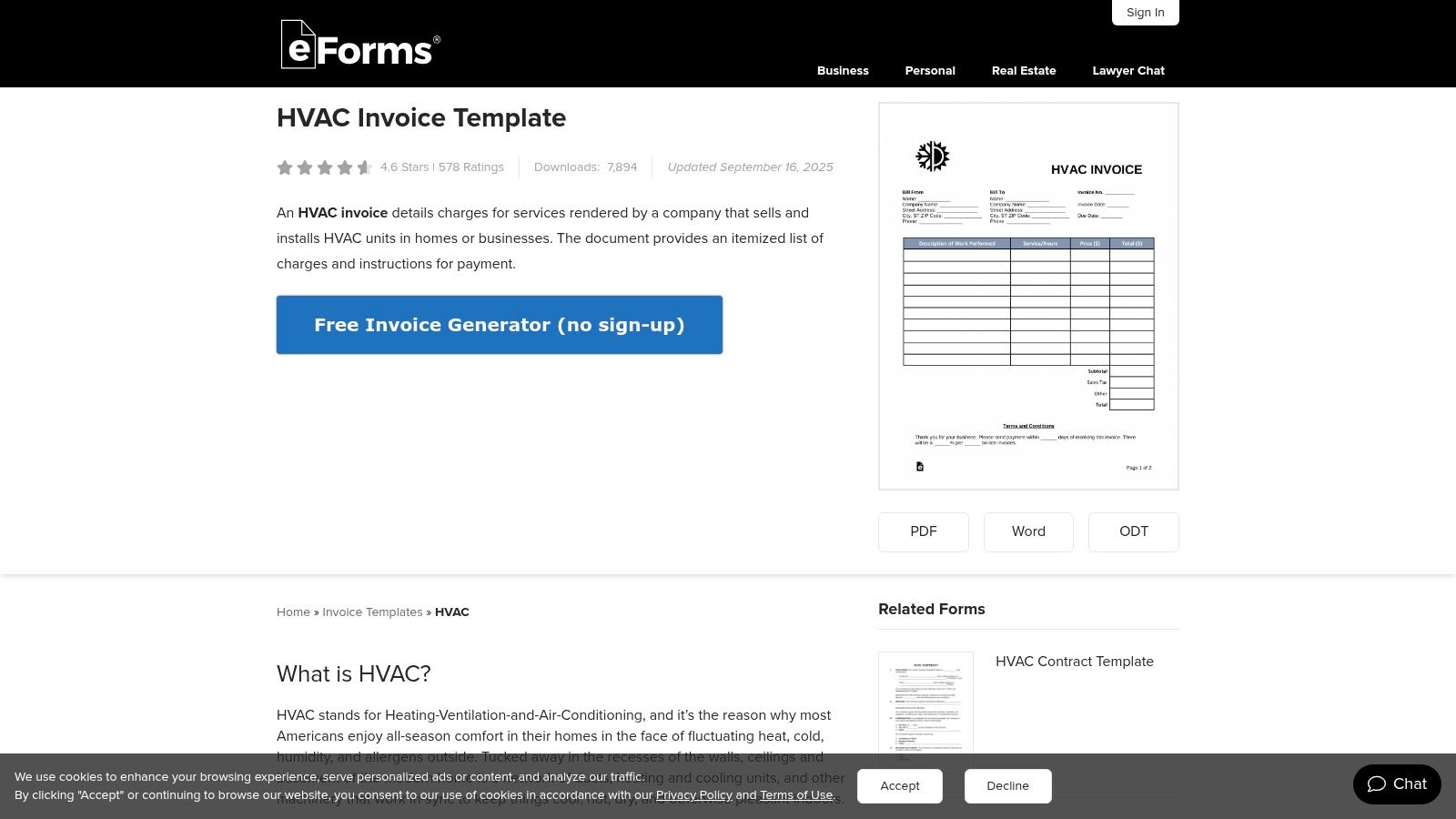
The template page also includes a brief but helpful explainer on what essential information to include, guiding users to ensure their invoice is complete and legally sound. While it lacks online generation or signature tools, eForms excels at providing a clean, standard template that is easy to use. The platform also helpfully links to related HVAC business documents, such as service contracts and work receipts, making it a useful hub for startup contractors.
Key Features and Assessment
| Feature | Details | Assessment |
|---|---|---|
| Formats Available | Word, PDF | Good. Covers the most common needs for digital editing and printing. |
| Customization | Basic editing within Word or a PDF editor. | Limited. Users can add a logo and text but cannot alter the layout. |
| Unique Offering | Direct access to related HVAC business forms (contracts, receipts). | A useful bonus for companies needing more than just an invoice. |
| Ease of Use | Extremely simple; click to download and open the file. | Excellent for users who want to avoid online tools or sign-ups. |
| Cost & Access | 100% free; no account or email is needed to download. | Highly accessible with zero barriers to entry. |
Pros:
- Fast, direct download process with no required sign-up.
- Provides both Word and PDF formats for flexibility.
- Includes a helpful guide on what to include in the invoice.
Cons:
- Very limited design customization options.
- No built-in features for sending, tracking, or receiving payments.
Website: eForms HVAC Invoice Template
6. Template.net
Template.net is a massive online marketplace for documents, offering a wide selection of free HVAC invoice template options for nearly every major software suite. It stands out by providing designs compatible with Microsoft Word and Excel, Google Docs and Sheets, and even Apple Pages and Numbers. This broad compatibility ensures that virtually any HVAC business can find a template that works with their existing office software without needing to learn a new program.
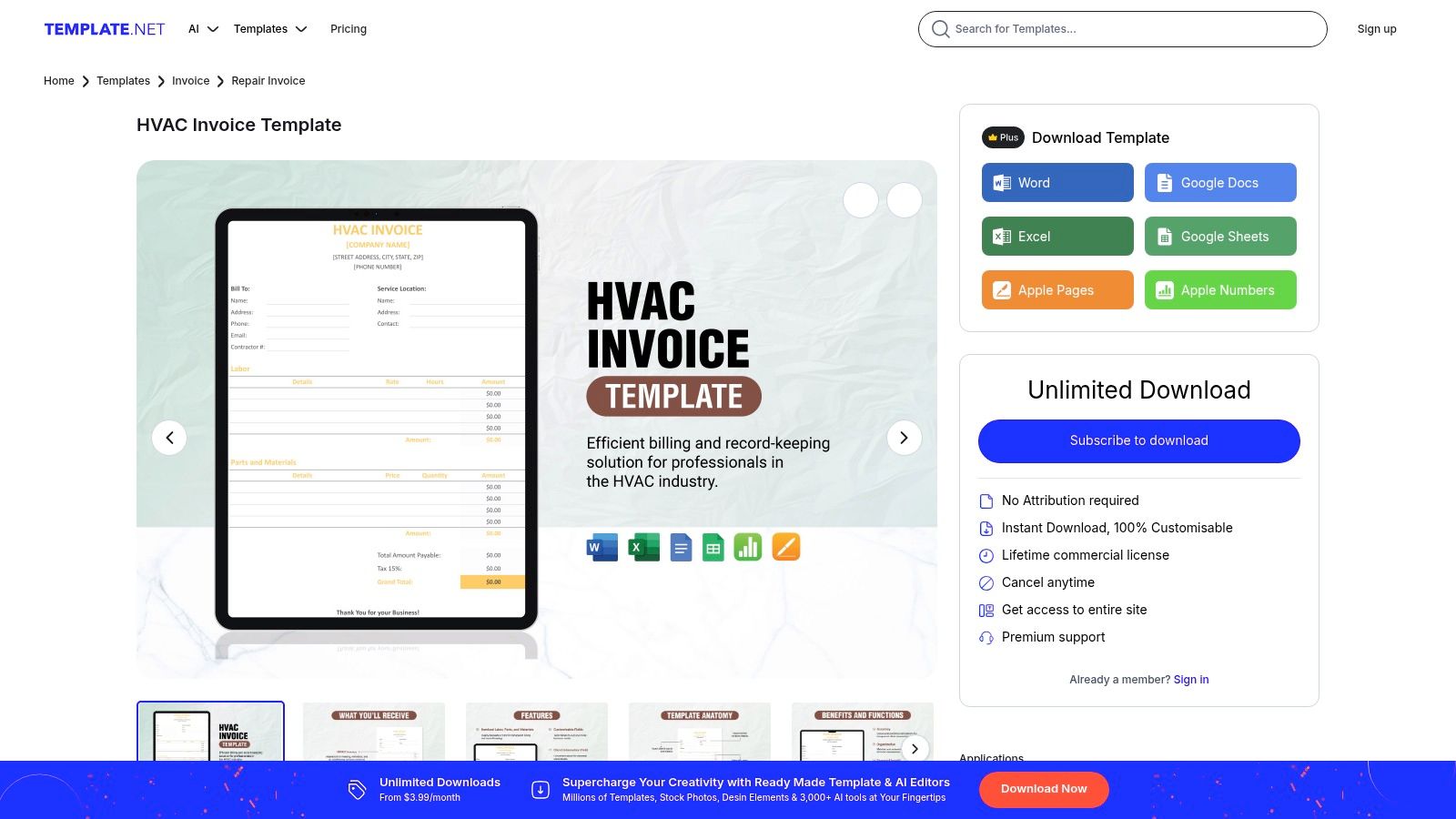
Beyond simple downloads, Template.net features an online editor that allows for quick, browser-based customizations before you even download the file. This is ideal for making minor tweaks or pre-filling company information. The platform hosts a variety of specific designs, including templates for HVAC repair, installation, and general service orders, giving you more tailored starting points. While many templates are free, be aware that some premium designs require an account or subscription.
Key Features and Assessment
| Feature | Details | Assessment |
|---|---|---|
| Formats Available | Word, Excel, Google Docs/Sheets, Apple Pages/Numbers, PDF | Excellent; the widest format compatibility of any resource. |
| Customization | Browser-based editor for basic changes; full customization in native software. | Very flexible, allowing for both quick edits and deep changes. |
| Unique Offering | Extensive library of HVAC-specific designs (repair, service, etc.). | Great for finding a layout that closely matches the job type. |
| Ease of Use | Simple to browse, select a format, and download. | The user experience is straightforward and intuitive. |
| Cost & Access | Many templates are free, but some require a premium subscription. | Good accessibility, but users may encounter paywalls. |
Pros:
- Broadest format support to match your preferred software.
- Professionally designed, print-ready layouts.
- Variety of specific templates for different HVAC jobs.
Cons:
- Some of the best templates are locked behind a premium plan.
- May require creating an account to access certain free downloads.
Website: Template.net HVAC Invoice Templates
7. Jotform
Jotform offers a unique approach with its free HVAC invoice template delivered as a customizable mobile app. Instead of a static document, you get an interactive app-style form that technicians can use on their phones or tablets. This design is perfect for capturing job details, parts used, and customer information directly in the field, turning data collection into a streamlined, digital process.
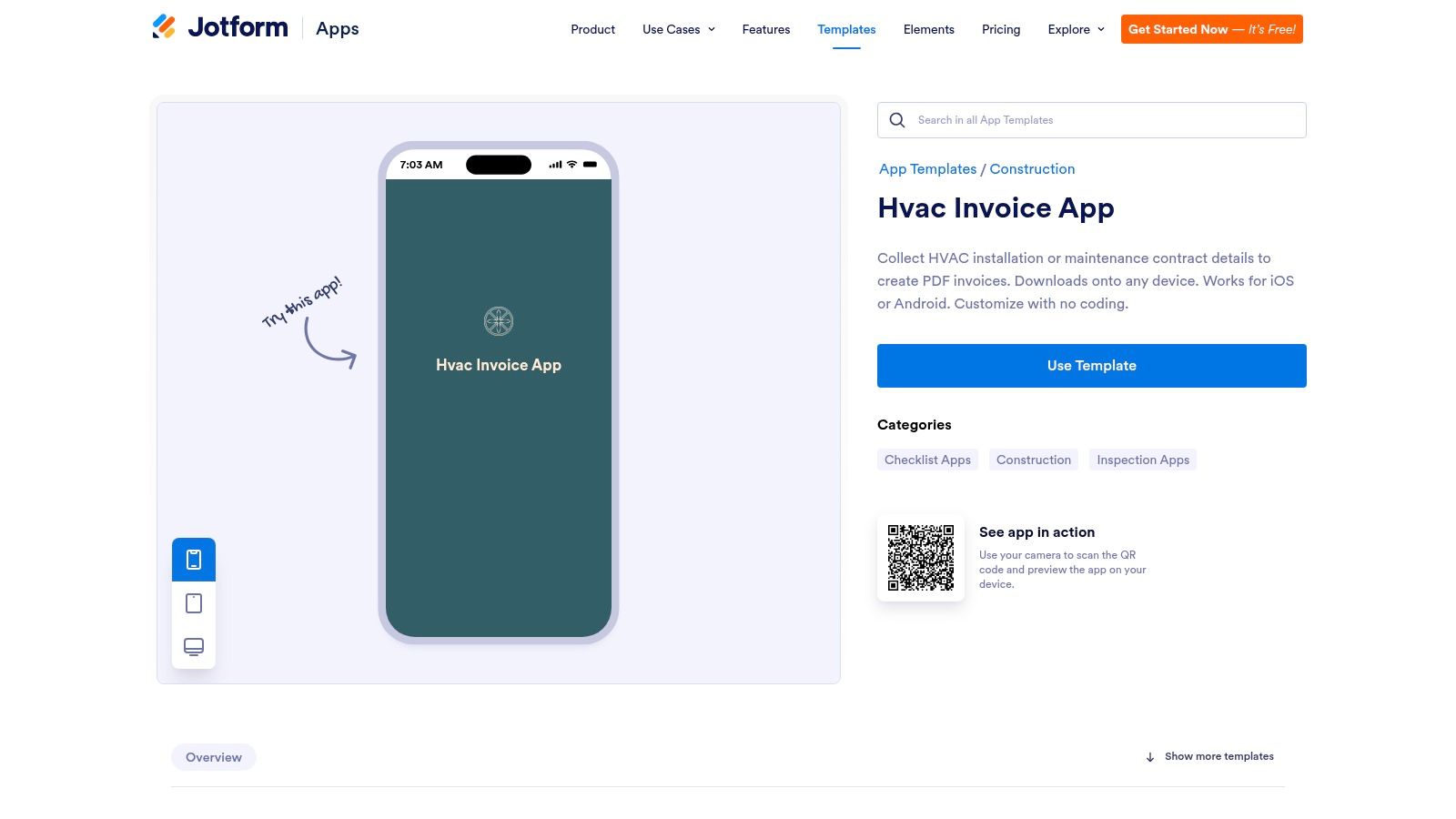
The key advantage is that every submission is automatically saved and organized in a central database, creating an instant archive of all your jobs. The app can be easily shared with your team via a link or QR code. While the initial setup takes more effort than downloading a PDF, the drag-and-drop builder allows for deep customization. This solution is ideal for businesses wanting to digitize their on-site data capture without immediately committing to a full FSM software.
Key Features and Assessment
| Feature | Details | Assessment |
|---|---|---|
| Formats Available | Customizable Web App, Generates PDF Invoices | Excellent for mobile-first workflows and on-site data entry. |
| Customization | Drag-and-drop editor for logos, fields, and pages. | Highly flexible; allows for adding unique fields beyond a standard template. |
| Unique Offering | App-style form with a centralized submission database. | A major benefit for organizing and searching past invoices. |
| Ease of Use | The form is simple for techs to use; the app builder has a slight learning curve. | More initial setup required, but very easy for day-to-day use once configured. |
| Cost & Access | Free plan available with limits on forms and submissions. | Accessible to start, but growing businesses may need a paid plan for more capacity. |
Pros:
- Centralizes all invoice data for easy tracking and searching.
- Great for technicians collecting information directly on-site.
- Offers powerful integrations and workflow automation.
Cons:
- Setup is more involved than a simple document download.
- The free plan has submission and storage limits.
Website: Jotform HVAC Invoice App
8. Joist
Joist is a well-known name among contractors, and their offerings include a straightforward free HVAC invoice template collection designed for practicality. They provide easily downloadable templates in familiar Word and Excel formats, making them perfect for technicians who prefer working with standard office software. This approach caters to those who need to create and edit invoices offline before sending them to clients.
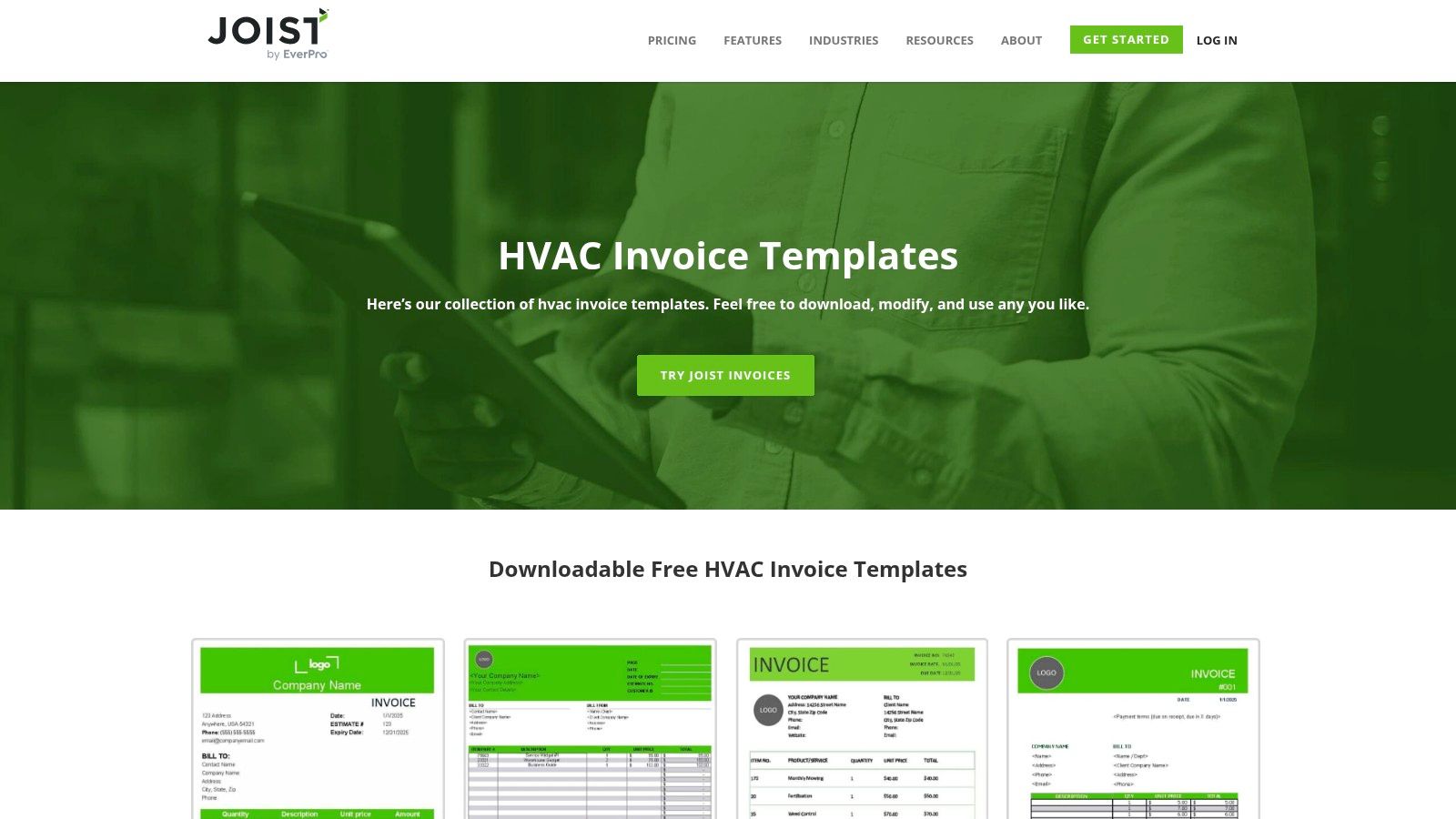
The templates are cleanly designed with layouts specifically for contractor workflows, including options for itemized services, labor, and materials. While the downloadable files are free and require no signup, they also serve as an introduction to the Joist app. This app offers a more integrated solution for generating, sending, and tracking invoices directly from a mobile device, providing a clear path for businesses ready to move beyond manual documents.
Key Features and Assessment
| Feature | Details | Assessment |
|---|---|---|
| Formats Available | Microsoft Word, Microsoft Excel | Excellent for users comfortable with standard office software. |
| Customization | Standard Word/Excel editing capabilities. | High flexibility, but requires manual effort to maintain consistency. |
| Unique Offering | Contractor-focused layouts and a direct path to an integrated app. | Good for businesses looking to eventually digitize their workflow. |
| Ease of Use | Simple downloads; familiarity with Word/Excel is all that's needed. | Very accessible for anyone with basic computer skills. |
| Cost & Access | 100% free; no account needed for template downloads. | No barriers to accessing the static templates. |
Pros:
- Layouts are designed specifically for trade contractors.
- Works offline using familiar Microsoft Office tools.
- Simple, direct downloads with no heavy signup process.
Cons:
- Limited variety in template designs.
- Advanced features like payment tracking require using the Joist app.
Website: Joist HVAC Invoice Templates
9. Skynova
Skynova is an invoicing platform tailored for small service businesses that provides a clean and functional free HVAC invoice template. Its primary offering is a web-based builder that allows contractors to create, customize, and send professional PDF invoices directly from their browser. This cloud-based approach is ideal for HVAC professionals who need to generate and dispatch invoices quickly from anywhere with an internet connection.
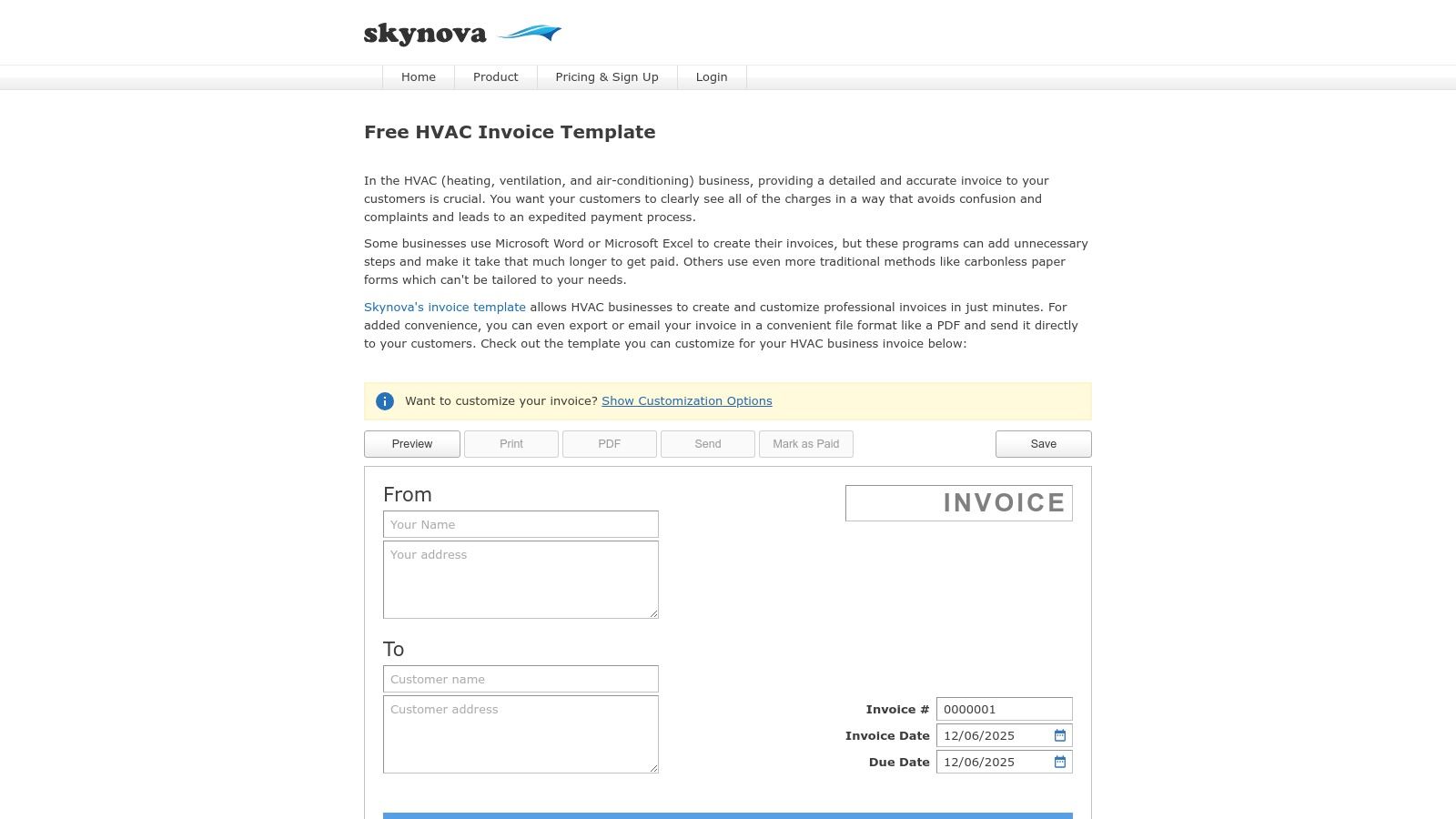
The platform focuses on simplicity and efficiency, enabling users to add logos, specify line items for labor and parts, and calculate totals with ease. Once created, the invoice can be downloaded as a PDF or emailed directly to the client. While the free tool is excellent, Skynova positions it as an entry point to its broader suite of paid business management tools, offering a clear growth path for expanding businesses.
Key Features and Assessment
| Feature | Details | Assessment |
|---|---|---|
| Formats Available | Online Builder with PDF export and email. | Very good for digital-first workflows and remote invoicing. |
| Customization | Add company logo, custom fields, and line items. | Solid customization options for a professional look. |
| Unique Offering | Direct email-sending capability from the platform. | Streamlines the billing process by removing extra steps. |
| Ease of Use | The user interface is straightforward and intuitive. | Excellent for users who want to create an invoice with no learning curve. |
| Cost & Access | 100% free for the basic template generator. | Highly accessible, though advanced features require a paid plan. |
Pros:
- Quick setup with professional output.
- Designed specifically for small service businesses and contractors.
- Easy export and direct emailing of PDF invoices.
Cons:
- Requires browser and internet access to use.
- Full functionality is part of Skynova’s paid product.
Website: Skynova HVAC Invoice Template
10. Tofu
Tofu is a simple invoicing app that provides a clean and efficient free HVAC invoice template designed for tradespeople. It offers both downloadable templates and a free online invoice generator, making it a flexible choice for solo technicians and small teams. The platform emphasizes a streamlined workflow, allowing users to quickly create professional-looking invoices from any device.
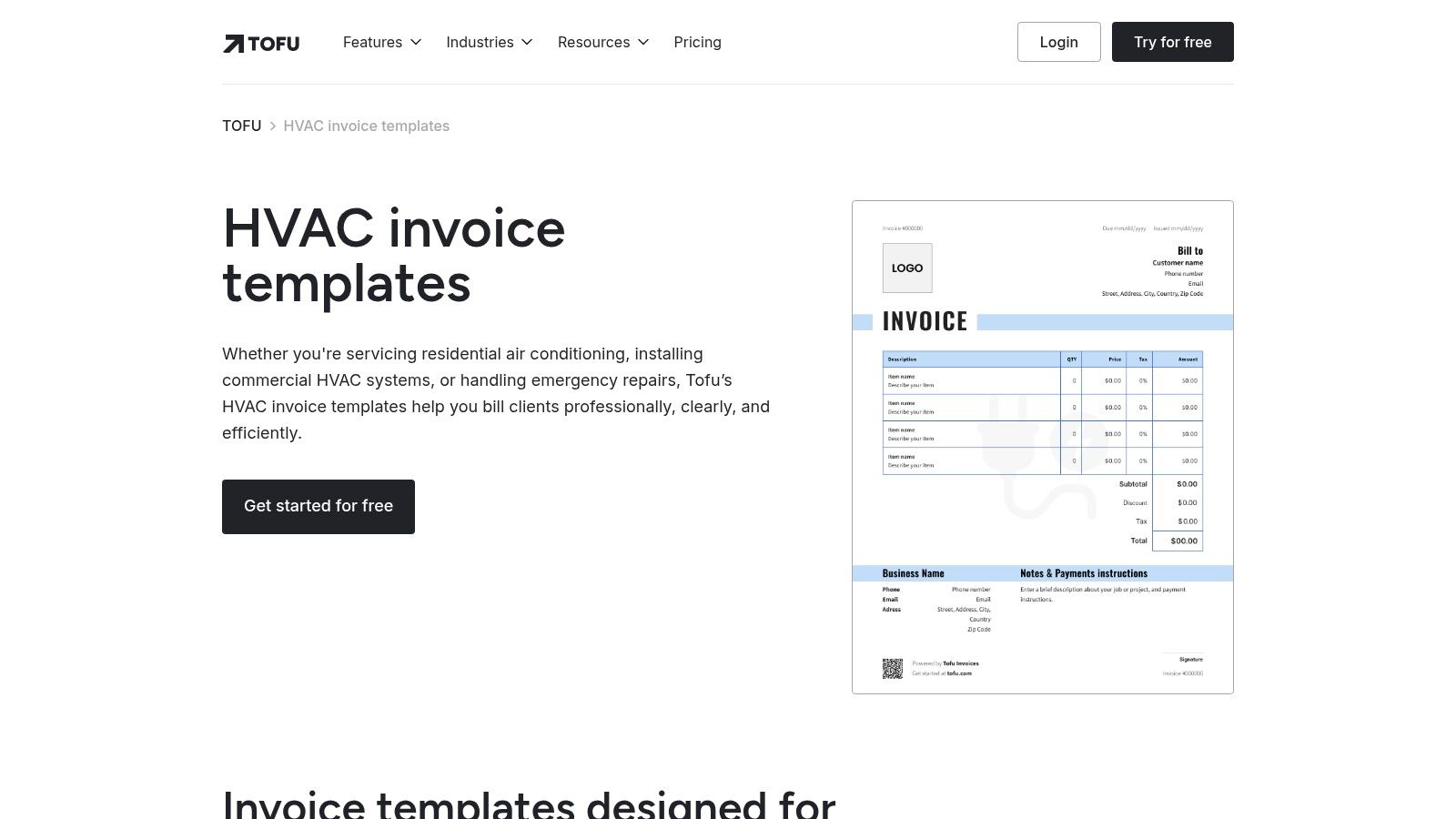
What sets Tofu apart is its focus on ease of use and speed, particularly its duplicate-and-reuse feature. This is ideal for HVAC businesses that handle recurring maintenance jobs or similar service calls, as it eliminates the need to create a new invoice from scratch every time. The cross-device access ensures you can manage billing whether you are in the office or finishing a job on-site, offering a practical balance of simplicity and functionality.
Key Features and Assessment
| Feature | Details | Assessment |
|---|---|---|
| Formats Available | Downloadable Templates, Web-based Generator | Versatile options for different workflow preferences. |
| Customization | Multiple clean styles, add company logo and line items. | Good for maintaining a modern and professional brand image. |
| Unique Offering | Duplicate-and-reuse workflow for repeat jobs. | Excellent time-saver for businesses with regular clients. |
| Ease of Use | The interface is minimal with a very low learning curve. | Perfect for users who prioritize speed and simplicity. |
| Cost & Access | 100% free for basic templates and the generator. | Easily accessible, with advanced features likely behind an account. |
Pros:
- Minimal learning curve and quick to use.
- A good balance of structure and customization.
- Useful for small teams or solo technicians.
Cons:
- A smaller ecosystem compared with legacy accounting suites.
- Advanced features may require signing up or paid plans.
Website: Tofu HVAC Invoice Templates
11. Docelf
Docelf moves beyond a static file download by offering a guided online tool to create, send, and track a professional free HVAC invoice template. It stands out by integrating basic invoice lifecycle management, allowing users to build a custom invoice and then handle follow-up actions like email tracking and receipt conversion directly within the platform. This approach is ideal for small businesses seeking more functionality than a simple Word or Excel file without committing to a full-scale FSM system.
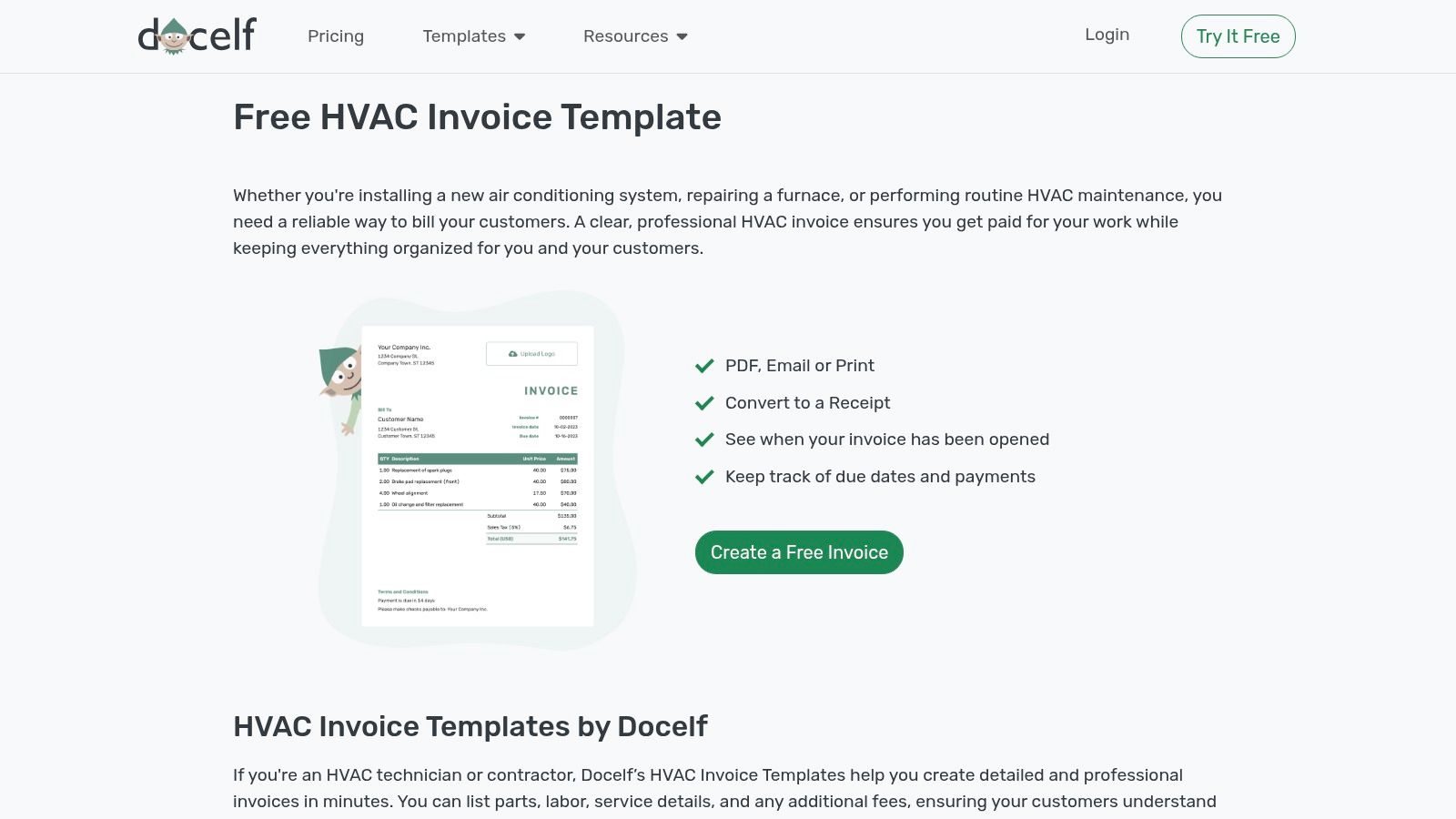
The platform supports significant branding customization, including logos, fonts, and colors, helping reinforce your company's identity. While Docelf operates on a subscription model, its 14-day free trial provides full access to these features, making it a great way to test out a more dynamic invoicing process. Users can generate invoices in multiple formats, including Word, Google Docs, and Excel, offering flexibility for different office workflows.
Key Features and Assessment
| Feature | Details | Assessment |
|---|---|---|
| Formats Available | Word, Google Docs, Excel, Sheets, plus a dedicated online tool. | Excellent versatility for users accustomed to different software. |
| Customization | Extensive branding: logo, fonts, colors, and currency. | Strong customization options for a professional look. |
| Unique Offering | Email sending with open tracking and invoice-to-receipt conversion. | A step up from static templates, adding basic workflow automation. |
| Ease of Use | The guided creation process is straightforward and user-friendly. | Very accessible, even for those new to online invoice tools. |
| Cost & Access | 14-day free trial; requires a paid subscription afterward. | Not perpetually free, but a good trial for its advanced features. |
Pros:
- Includes basic invoice lifecycle tools beyond a static template.
- Guided creation flow with deep customization.
- File-format flexibility for different workflows.
Cons:
- Free access is limited to a 14-day trial period.
- A smaller brand compared with mainstream incumbents.
Website: Docelf HVAC Invoice Template
12. Etsy
While not a source for an hvac invoice template free of charge, Etsy is an extensive marketplace where independent creators offer a vast assortment of professionally designed templates for a small one-time fee. This platform stands out for its sheer variety, featuring designs tailored to specific aesthetics, from modern and minimalist to classic and detailed. For a few dollars, HVAC businesses can purchase bundles that often include matching estimate, quote, and work order forms in various formats like Word, Excel, Google Sheets, and Canva.
Etsy is the ideal choice for contractors who prioritize a unique brand image and are willing to invest a minimal amount for a high-quality, polished look. The instant digital download model means you get your files immediately after purchase. Reading seller reviews is crucial for vetting the quality and ease of use, ensuring you get a template that is both beautiful and functional for your daily operations.
Key Features and Assessment
| Feature | Details | Assessment |
|---|---|---|
| Formats Available | Word, Excel, PDF, Google Sheets, Canva | Excellent variety, catering to nearly any software preference. |
| Customization | Varies by seller; most are fully editable in their native format. | High potential for customization to perfectly match branding. |
| Unique Offering | A massive selection of unique, professionally designed templates and bundles. | Unmatched for stylistic variety compared to free generic options. |
| Ease of Use | Dependent on the seller's design and user's software proficiency. | Most are straightforward, but some may require minor adjustments. |
| Cost & Access | Not free; small one-time purchase (typically $2-$20). | Highly affordable for the quality and design originality offered. |
Pros:
- Affordable way to get a premium, unique design.
- Many listings include bundled forms (estimates, work orders).
- Instant access to files after a one-time payment.
Cons:
- Not a free resource; requires a small investment.
- Quality and formatting can vary significantly between sellers.
Website: Etsy HVAC Invoice Templates
Top 12 HVAC Invoice Template Comparison
| Product | Core features | UX / Quality | Price / Value | 👥 Target audience | ✨ Unique selling point |
|---|---|---|---|---|---|
| ServiceTitan | Free HVAC invoice PDF + browser generator; mobile-friendly; FSM upsell | ★★★★ | 💰 Free template → Paid FSM | 👥 HVAC contractors scaling to full FSM | ✨ HVAC-specific, professional invoices; 🏆 clear path to full FSM |
| Jobber | Guided invoice builder, instant PDF, HVAC tips, no-login single use | ★★★★ | 💰 Free generator → Paid automation | 👥 Home‑service pros & HVAC techs | ✨ Fast, no-signup single invoice; 🏆 trusted by field teams |
| Housecall Pro | Multiple formats (Word/Excel/QuickBooks), print-ready, customizable | ★★★★ | 💰 Free templates (form-gated) → Subscription | 👥 Teams switching between office & field | ✨ Multi-format support for existing workflows |
| FreshBooks | Templates in Word/Excel/Sheets/PDF, web generator, billing guides | ★★★★ | 💰 Free templates → Paid accounting plans | 👥 Small businesses needing accounting | ✨ Accounting-friendly templates; 🏆 billing best-practice guidance |
| eForms | One-click PDF/Word downloads, short explainer, related HVAC forms | ★★★ | 💰 💰 Free | 👥 Users needing quick legal/forms downloads | ✨ Fast, straightforward downloads and related docs |
| Template.net | Multi-format templates + browser editor, many HVAC designs | ★★★★ | 💰 Mixed (free + premium) | 👥 Users wanting polished, varied templates | ✨ Wide design variety + online editor; 🏆 marketplace depth |
| Jotform | App-style invoice, drag-and-drop customization, mobile & archive | ★★★★ | 💰 Freemium (limits on free) | 👥 Field techs capturing on-site data | ✨ Mobile app workflow + centralized data archive |
| Joist | Free Word/Excel templates, printable/itemized, in-app invoicing | ★★★ | 💰 Free templates → App features paid | 👥 Contractors preferring offline tools | ✨ Contractor-focused layouts; offline-friendly |
| Skynova | HVAC template + online builder, PDF export, email sending | ★★★ | 💰 Freemium | 👥 Small service businesses & contractors | ✨ Simple online builder with email export |
| Tofu | Clean template styles, online generator, duplicate workflows, cross-device | ★★★ | 💰 Freemium | 👥 Solo techs & very small teams | ✨ Minimal learning curve; quick repeat-job workflow |
| Docelf | Branding, email send + open tracking, convert to receipts, due dates | ★★★★ | 💰 14‑day trial → Subscription | 👥 Businesses needing invoice lifecycle tools | ✨ Open tracking & invoice→receipt lifecycle; 🏆 advanced tracking |
| Etsy | Seller-made HVAC templates across many formats; instant download | ★★★ | 💰 💰 One-off ($2–$20) | 👥 Buyers wanting unique/stylized templates | ✨ Huge niche/style variety; customer reviews for quality |
Final Thoughts
Navigating the world of billing can be a significant undertaking for any HVAC business owner, but getting paid accurately and on time is non-negotiable. Throughout this guide, we've explored a comprehensive range of solutions, from simple, downloadable templates to more sophisticated digital platforms. The key takeaway is that a professional, well-structured invoice is a direct reflection of your company's quality and attention to detail.
We began by examining basic, yet effective, options like the customizable Word and Excel templates from sources like Template.net and eForms. These are excellent starting points for new operators or those with minimal job volume. Their main advantage is the low barrier to entry: they are completely free, highly customizable, and operate on software you likely already own. However, their manual nature can become a bottleneck as your business scales, leading to data entry errors and wasted administrative time.
Next, we looked at form builders such as Jotform and dedicated invoicing tools like Skynova and FreshBooks. These platforms introduce a level of automation, digital delivery, and payment processing that static templates lack. They represent a middle ground, offering more efficiency without the full commitment to a comprehensive field service management system. For many growing HVAC companies, these tools strike a perfect balance between cost and functionality.
Making the Right Choice for Your Business
Selecting the best hvac invoice template free of charge or the right invoicing tool ultimately depends on your current business stage and future goals.
- For the New Solo Operator: A simple Word or PDF template is often sufficient. Focus on mastering the essential line items and ensuring your branding is consistent.
- For the Growing Small Business (2-5 Techs): Consider graduating to a dedicated invoicing platform like FreshBooks or Skynova. The ability to track payments, send reminders, and accept online payments will significantly improve your cash flow.
- For the Established Company Seeking Efficiency: When manual data entry, scheduling conflicts, and disjointed communication start costing you money, it's time to look beyond simple invoicing. This is the point where an all-in-one solution becomes a strategic investment.
Your invoice is more than just a bill; it's a critical touchpoint with your customer that reinforces your professionalism and helps secure future business. By choosing the right tool for the job, you not only streamline your administrative processes but also enhance your customer's experience, ensuring your hard work in the field is matched by excellence in the back office.
Ready to leave manual templates and disjointed apps behind? TackonFSM integrates every step of your workflow, from the initial customer call to the final payment, into one powerful, affordable platform. Stop wasting time on administrative tasks and start focusing on what you do best by exploring how TackonFSM can automate your invoicing and streamline your entire HVAC operation.